Table of contents
Open Table of contents
Intro
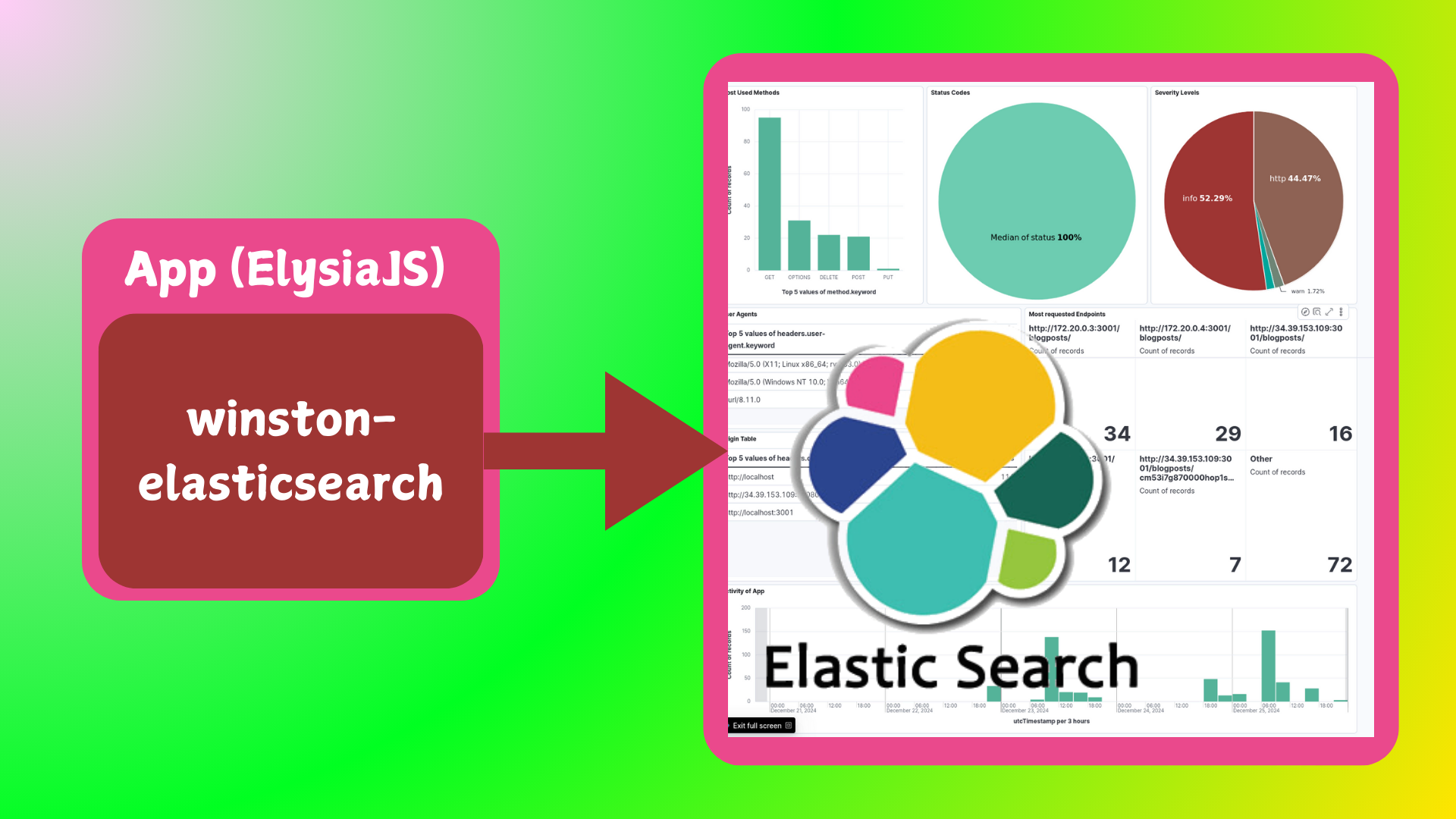
In this Post, I share my quick notes for React and React Native and things related to them. I wrote them for myself a year ago. I hope it will be useful for anyone. Enjoy! For setting up logging in React applications, check out my guide on setting up ELK and monitoring app logs.
Basic React
useState
const [a, setA] = useState();
// it is better to change value of varriables using useState hooks
useEffect
React.useEffect(
  () => {
    // here is code about what to do when dependecies change
  },
  [
    // it is dependency array, code will be executed every time
    // something chenges here.
    // if dependency array is empty,
    // code will be executed just once at the beginning
  ]
);
Custom hook, semi-persistent useState, it is good for search component:
export const useSELS = (nameAtStorage: string, initialValue: any = "") => {
  const [a, setA] = React.useState(
    localStorage.getItem(nameAtStorage) || initialValue
  );
  React.useEffect(() => {
    localStorage.setItem("nameAtStorage", a);
  }, [a]);
  return [a, setA];
}; // useStateEffectLocalStorage
how search in input
const [searchTerm, setSearchTerm] = React.useState("");
const handleSearch = event => {
  setSearchTerm(event.target.value);
};
// ...
<input value={searchTerm} onChange={handleSearch} />;
passing props
const App = () => {
  const [a, setA] = React.useState("aAAa");
  const handleA = event => setA(event.target.value);
  return (
    <>
      <Component b={a} handleB={handleA} />
    </>
  );
};

const Component = ({ b, handleB }) => {
  return (
    <>
      <h1>{b}</h1>
      <input id="search" type="text" value={b} onChange={handleB} />
    </>
  );
};
composition
const App = () => {
  return (
    <>
       {" "}
      <Component smth={"notSmth"}>
        <p>bla-bla</p>
      </Component>
       {" "}
    </>
  );
};

const Component = ({ smth, children }: any) => {
  return (
    <>
          <h1>{smth}</h1>    {children} {" "}
    </>
  );
}; // children => <p>bla-bla</p>
get async data from somewhere
const getAsyncSmth = () =>
  new Promise(resolve =>
    setTimeout(() => resolve({ data: "some important data" }), 2000)
  );

// ...
React.useEffect(() => {
  setIsLoading(true);
  getAsyncSmth()
    .then(result => {
      setSomeData(result.data);
      setIsLoading(false);
    })
    .catch(() => setIsError(true));
}, []);
fetching the data
const API_ENDPOINT = "https://example.com/api/v1/search?query=";
//...
const App = () => {
  //...
  React.useEffect(() => {
    fetch(`${API_ENDPOINT}my text to query`)
      .then(response => response.json()) // translate to json
      .then(result => {
        setSmth(result.hits);
      })
      .catch(() => console.log(":("));
  }, []);
  //...
};
fetching the data with axios
npm install axiosimport axios from "axios";
//...
const url = "https://example.com/api/v1/search?query=something";
//...
const App = () => {
//...
const handleFetchSmth = React.useCallback(() => {
axios
.get(url)
.then(result => {
setSomeDate(result.data);
})
.catch(() => console.log(":("));
}, [url]);
//...
};Router
in main component
function App() {
  return (
    <div>
      <BrowserRouter>
        <Routes>
          <Route path="/" element={<Layout />}>
            {" "}
            // firstly this part is rendered
            <Route index element={<A />} /> // then depending on route these
            parts
            <Route path="B" element={<B />} />
            <Route path="*" element={<NO />} />
          </Route>
        </Routes>
      </BrowserRouter>
    </div>
  );
}
in layout part
function Layout() {
  return;
  <>
    <nav>
      <ul>
        <li>
          <Link to="/">A</Link>
        </li>
        <li>
          <Link to="/B">B</Link>
        </li>
      </ul>
    </nav>
    <Outlet />
    <p>Link is for redirecting and Outlet is where child elements start</p>
  </>;
}
Redux
store.ts
import { configureStore } from "@reduxjs/toolkit";
import counterReducer from "./counterSlice";

export const store = configureStore({
  reducer: {
    counter: counterReducer,
  },
});

export type RootState = ReturnType<typeof store.getState>;
export type AppDispatch = typeof store.dispatch;
hooks.ts
import { TypedUseSelectorHook, useDispatch, useSelector } from "react-redux";
import type { RootState, AppDispatch } from "./store";

export const useAppDispatch: () => AppDispatch = useDispatch;
export const useAppSelector: TypedUseSelectorHook<RootState> = useSelector;
counterSlice.ts
import { createSlice, PayloadAction } from "@reduxjs/toolkit";
import type { RootState } from "./store";

interface CounterState {
  value: number;
}

const initialState: CounterState = {
  value: 0,
};

export const counterSlice = createSlice({
  name: "counter",
  initialState,
  reducers: {
    increment: state => {
      state.value += 1;
    },
    decrement: state => {
      state.value -= 1;
    },
    incrementByAmount: (state, action: PayloadAction<number>) => {
      state.value += action.payload;
    },
  },
});

export const { increment, decrement, incrementByAmount } = counterSlice.actions;
export const selectCount = (state: RootState) => state.counter.value;
export default counterSlice.reducer;
some component A.tsx
import React, { useState } from "react";
import { useAppSelector, useAppDispatch } from "../redux/hooks";
import { decrement, increment } from "../redux/counterSlice";

function A() {
  const count = useAppSelector(state => state.counter.value);
  const dispatch = useAppDispatch();
  return (
    <>
      <div>
        <h1>AAA</h1>
        <div>
          <button
            aria-label="Increment value"
            onClick={() => dispatch(increment())}
          >
            Increment
          </button>
          <span>{count}</span>
        </div>
      </div>
    </>
  );
}

export default A;
App.tsx
import React from "react";
import ReactDOM from "react-dom/client";
import "./index.css";
import App from "./App";
import { store } from "./redux/store";
import { Provider } from "react-redux";

const root = ReactDOM.createRoot(
  document.getElementById("root") as HTMLElement
);
root.render(
  <Provider store={store}>
    <App />
  </Provider>
);
Some Other Notes
To start react project with ts:
npx create-react-app my-app --template typescriptTo add mui
npm install @mui/material @emotion/react @emotion/styled
npm install @mui/icons-material ### it has some problems with yarn
To add antd
yarn add antdTo add router
npm i -D react-router-dom
yarn add react-router-dom
To add redux
npm install @reduxjs/toolkit react-reduxBoilerplate
- Make sure that you have Node.js v8.15.1 and npm v5 or above installed.
- Clone this repo using
git clone --depth=1 https://github.com/react-boilerplate/react-boilerplate.git <YOUR_PROJECT_NAME> - Move to the appropriate directory:
cd <YOUR_PROJECT_NAME>. - Run
npm run setupin order to install dependencies and clean the git repo.
At this point you can runnpm startto see the example app athttp://localhost:3000. - Run
npm run cleanto delete the example app.
Supabase
With supabase
npm create vite@latest some-app -- --template react
cd some-app && npm install @supabase/supabase-js
app.tsx
import { useEffect, useState } from "react";

import { createClient } from "@supabase/supabase-js";

const supabaseUrl = "https://xvnrqalhqexrdjrtltud.supabase.co";
const supabaseKey = import.meta.env.VITE_SUPABASE_KEY;
const supabase = createClient(supabaseUrl, supabaseKey);

interface Country {
  name: string;
}

function App(): JSX.Element {
  const [countries, setCountries] = useState<Country[]>([]);

  useEffect(() => {
    getCountries();
  }, []);

  async function getCountries() {
    const { data, error } = await supabase.from("countries").select("*");

    if (data) {
      setCountries(data);
    }
    if (error) {
      console.error(error);
    }
  }

  return (
    <ul>
      {countries.map(country => (
        <li key={country.name}>{country.name}</li>
      ))}
    </ul>
  );
}

export default App;
enable RLS
if wanna auth once and use multimple times
import { createClient } from "@supabase/supabase-js";
const supabaseUrl = "";
const supabaseKey = import.meta.env.VITE_SUPABASE_KEY;

const supabase = createClient(supabaseUrl, supabaseKey);

export { supabase };
React Native
Some Notes
Expo Documentation Introduction | Expo Router First I learnt from https://youtu.be/mJ3bGvy0WAY?si=nBfo9QqE_t8YV663
npm install -g expo-cli
npm install -g eas-cli
npx create-expo-app MentisArena
npx create-expo-app@latest -e with-router MentisArena
npm install expo-font axios react-native-dotenv
npx expo start
expo-cli start --tunnel
expo build:android
# use one below to build
eas login
eas build:configure
eas build --platform android
eas build --platform allhttps://expo.dev/accounts/elnurbda
Then you can convert aab to apk
expo publishSome Codes
Styles
const styles = StyleSheet.create({
  container: {
    flex: 1,
    backgroundColor: "#153",
    alignItems: "center",
    justifyContent: "center",
  },
});
View
it is container it wraps everything
const App = () => {
  return (
    <View>
      <Text>Smth</Text>
    </View>
  );
};
Text
text
<Text style={{ color: "blue" }}>Hello!</Text>TouchableOpacity
button or other interactive element
function Button(props) {
  return (
    <TouchableOpacity onPress={props.onPress}>
      <Text>{props.label}</Text>
    </TouchableOpacity>
  );
}
ActivityIndicator
spinner or loading indicator
<ActivityIndicator size="large" color={COLORS.primary} />Flatlist
long list of items that need to be scrolled down. For larger lists use this. For less items use map.
<FlatList
  data={data}
  renderItem={({ item }) => (
    <PopularJobCard
      item={item}
      selectedJob={selectedJob}
      handleCardPress={handleCardPress}
    />
  )}
  keyExtractor={item => item.job_id}
  contentContainerStyle={{ columnGap: SIZES.medium }}
  horizontal
/>
ScrollView
box that can hold multiple components and views, providing a scrolling container.
<ScrollView showsVerticalScrollIndicator={false}>...</ScrollView>SafeAreaView
rendering app contents without being covered by the device’s status bar or home indicator.
<SafeAreaView style={{ flex: 1, backgroundColor: COLORS.lightWhite }}>useFetch hook
import { useState, useEffect } from "react";
import axios from "axios";

const useFetch = (endpoint, query) => {
  const [data, setData] = useState([]);
  const [isLoading, setIsLoading] = useState(false);
  const [error, setError] = useState(null);

  const options = {
    method: "GET",
    url: `https://jsearch.p.rapidapi.com/${endpoint}`,
    headers: {
      "X-RapidAPI-Key": "956fee8b5dmsh67da7b14cd99b8fp1ba854jsna76a77f48d30",
      "X-RapidAPI-Host": "jsearch.p.rapidapi.com",
    },
    params: { ...query },
  };

  const fetchData = async () => {
    setIsLoading(true);

    try {
      const response = await axios.request(options);

      setData(response.data.data);
      setIsLoading(false);
    } catch (error) {
      setError(error);
      console.log(error);
    } finally {
      setIsLoading(false);
    }
  };

  useEffect(() => {
    fetchData();
  }, []);

  const refetch = () => {
    setIsLoading(true);
    fetchData();
  };

  return { data, isLoading, error, refetch };
};

export default useFetch;
expo router
at each page
const router = useRouter();to return the page
router.push(`/search/${searchTerm}`);there would be search folder with some files called searchTerm